Ever sent a message on your iPhone and noticed it turned green instead of blue? That small color change often confuses people. Some even think they’re blocked or something is wrong with their phone.
In reality, the “green text” on iPhone simply means your message was sent as a normal SMS instead of iMessage.
It’s more common than you think, especially when internet connection is weak or the other person isn’t using an iPhone.
People search this term because it can feel confusing in daily chats. One moment your messages are blue, then suddenly green.
It happens in apps like Messages on iPhone, and it often raises questions about delivery, blocking, or network issues. Let’s break it down in a simple, human way so you never get confused again.
What Does Green Text Meaning on iPhone Mean in Texting?
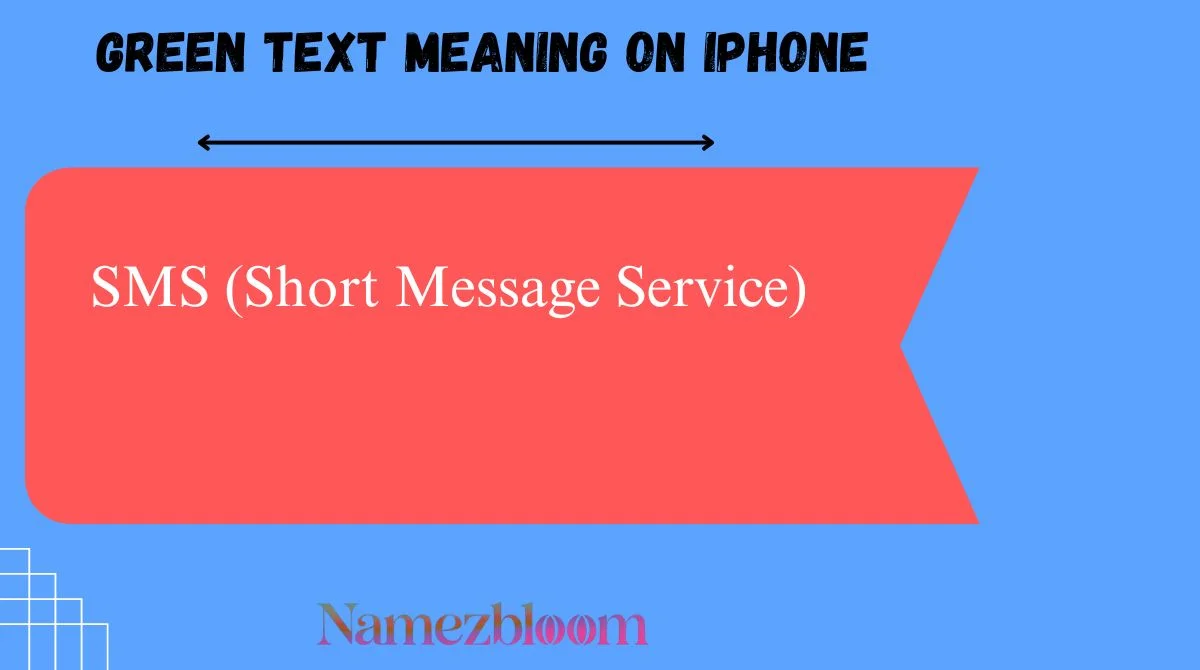
On iPhone, a green text bubble means your message was sent using SMS (Short Message Service) or sometimes MMS, instead of Apple’s iMessage system.
In simple words:
- Blue bubbles = iMessage (internet-based)
- Green bubbles = SMS/MMS (carrier-based)
So, green text does NOT mean something bad. It just means your message traveled through your mobile network instead of the internet.
Full Form & Short Meaning of Green Text on iPhone
There is no special “full form” for green text itself, but it relates to:
- SMS = Short Message Service
- MMS = Multimedia Messaging Service
- iMessage = Apple’s internet messaging service
Short Meaning:
Green text = “Message sent via mobile carrier network, not iMessage.”
Origin & History of Green Text on iPhone
The green and blue bubble system started when Apple introduced iMessage in 2011.
Before iMessage:
- All phone messages were just SMS (like green today)
After iMessage:
- Apple separated internet messages (blue) from carrier messages (green)
This color system was designed to make messaging easier to understand, but it also created confusion among users who weren’t familiar with it.
Over time, “green text” became a common internet slang phrase used in memes, TikTok videos, and chat jokes.
Why Do People Use Green Text on iPhone?
Green text appears for several reasons:
- No internet connection (Wi-Fi or mobile data off)
- The receiver is using an Android phone
- iMessage is disabled on either device
- Poor network coverage
- Carrier SMS fallback is enabled
Emotionally, people often notice it because:
- They expect blue iMessages
- They think something is wrong in the chat
- They sometimes link it to being blocked (which is not always true)
Green Text Meaning on Snapchat, TikTok, Instagram & WhatsApp
Let’s clear one thing first:
Green text is mainly an iPhone Messages feature, not a social media feature.
But here’s how it connects:
Snapchat
- No green text system
- Chat uses its own messaging style
TikTok
- Used in memes about “green messages”
- Often jokes about relationship misunderstandings
- No green bubbles
- Messaging is inside DMs only
- Uses check marks, not colors
- Green is only part of app theme, not message type
So, green text meaning is mostly exclusive to Apple Messages.
Different Meanings of Green Text in Other Contexts
Outside iPhone messaging, “green text” can mean:
- Reddit “greentext stories” (from 4chan style posts)
- Code or terminal output in green color
- Highlighted chat text in gaming apps
But on iPhone, it always refers to SMS messages.
Real Chat Examples of Green Text
Here are some natural examples:
- “Hey, are you coming tonight?” (green bubble)
- “Yeah I’m on the way 😂”
- “Why did it turn green again? 😭”
- “Bro your messages went green 💀”
You might also see:
- “It’s green, so maybe no internet lol”
- “Don’t worry, it’s just SMS”
How to Reply to Green Text Messages
Here are some fun and natural replies:
Casual Reply
- “Yeah my internet is off rn 😅”
Funny Reply
- “Oops I’m back in 2005 SMS mode 💀”
Serious Reply
- “No WiFi, I’ll switch back to iMessage soon”
Flirty Reply
- “Green or blue, I still wanna talk to you 😌”
Common Confusions & Mistakes
Many people misunderstand green text on iPhone:
- Thinking they are blocked ❌
- Thinking the phone is broken ❌
- Thinking iMessage is hacked ❌
Truth:
It’s almost always just a network or settings issue.
Another mistake:
People assume green means lower quality message — but the content is exactly the same.
Similar Slang Terms & Alternatives
Related texting terms include:
- Blue bubble (iMessage)
- SMS fallback
- iMessage off
- Delivered message
- Read receipt
- RCS messaging (Android system)
These all relate to how messages are delivered.
Is Green Text Still Popular in 2026?
Yes, absolutely.
Even in 2026, green text is still widely discussed because:
- iPhone users still rely on iMessage
- Android vs iPhone messaging differences remain
- Social media memes keep the trend alive
Gen Z especially uses “green text” in jokes about relationships and texting confusion.
Quick Meaning Table
| Term | Meaning | Usage | Platform | Tone |
|---|---|---|---|---|
| Green Text | SMS message on iPhone | Carrier messaging | iPhone Messages | Neutral |
| Blue Text | iMessage | Internet messaging | iPhone Messages | Normal |
| SMS | Text via network | Basic messaging | All phones | Standard |
| iMessage | Apple internet chat | Online chat | iPhone | Modern |
FAQs
What does green text mean on iPhone?
It means your message was sent as SMS instead of iMessage.
Does green text mean I’m blocked?
No, it does not always mean that.
Why did my iPhone messages turn green suddenly?
Usually due to no internet or iMessage being turned off.
Can I change green text back to blue?
Yes, by enabling iMessage and using internet connection.
Do green texts cost money?
SMS may cost depending on your mobile plan.
Is green text safe?
Yes, it is completely normal and safe.
Why do Android messages show green?
Because Android uses SMS, not iMessage.
Conclusion
Green text on iPhone is not a warning or problem—it’s just a simple sign that your message was sent through SMS instead of iMessage.
The color change depends on internet availability, settings, or the receiver’s device. While it often confuses users, especially when switching between blue and green bubbles,
it’s actually a normal part of Apple’s messaging system.
Once you understand it, you’ll never misread it again. Whether it’s green or blue, the message still goes through—it just travels a different path. So next time you see green bubbles, don’t overthink it. It’s just your iPhone doing its thing.

“I am Alex Carter, a creative writer focused on discovering meaningful and unique name ideas.
I share well-researched naming inspirations to help brands, businesses, and ideas stand out.”