Have you ever sent a text on your iPhone and noticed that the message bubble was green instead of blue?
You’re not alone.
Many iPhone users search for the meaning of green text on iPhone because it can be confusing, especially when messages suddenly change colors.
The color of your message bubbles actually tells you a lot about how your text is being sent.
It can reveal whether you’re using iMessage, regular SMS, or even if there’s a network issue affecting your device.
Green texts are common in everyday conversations, and understanding what they mean can help you troubleshoot messaging problems, avoid confusion, and communicate more effectively.
Whether you’re texting friends, family, or coworkers, knowing why messages appear green can make your iPhone experience much smoother.
Let’s break down exactly what green text means on an iPhone and why it happens.
What Does Green Text Meaning on iPhone Mean in Texting?
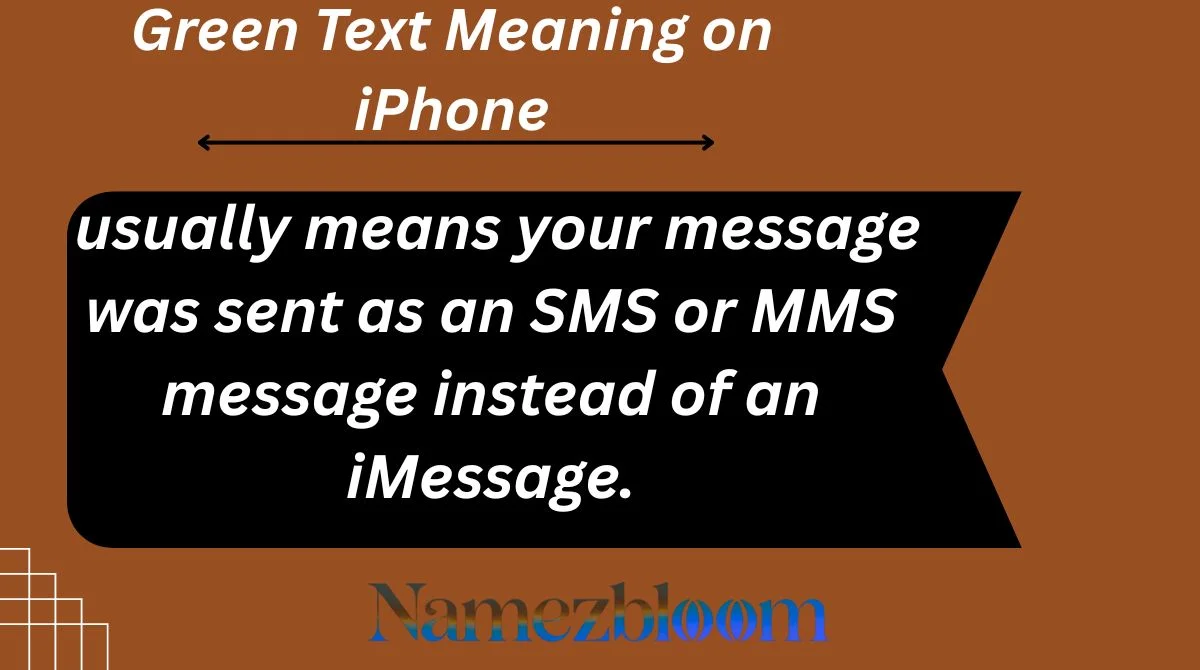
On an iPhone, a green text bubble usually means your message was sent as an SMS or MMS message instead of an iMessage.
In simple terms:
- Blue bubble = iMessage
- Green bubble = SMS or MMS
When a text appears green, your message is being sent through your cellular carrier rather than Apple’s iMessage service.
This often happens when:
- The recipient doesn’t use an iPhone.
- iMessage is turned off.
- There is no internet connection.
- Apple’s messaging service is temporarily unavailable.
Full Form & Short Meaning of Green Text on iPhone
Unlike internet slang abbreviations, green text on iPhone is not an acronym.
Its short meaning is:
Green text = Standard SMS/MMS message sent through a mobile carrier.
Meanwhile:
Blue text = iMessage sent through Apple’s internet-based messaging system.
The color helps users instantly recognize the type of message being used.
Origin & History of Green Text on iPhone
Apple introduced iMessage in 2011 as part of iOS 5.
Before iMessage existed, all texts were sent using SMS technology. To help users distinguish between regular carrier messages and Apple’s new messaging service, Apple introduced different bubble colors.
Since then:
- Blue bubbles represent iMessages.
- Green bubbles represent traditional SMS or MMS messages.
Over time, these colors became part of internet culture, with many people associating blue bubbles with iPhone users and green bubbles with non-iPhone messaging.
Why Do People Use Green Text Online?
People don’t intentionally choose green texts in most situations. Instead, the color appears automatically based on how the message is sent.
Common reasons include:
Messaging Android Users
If you’re texting someone who uses Android, your iPhone sends the message as SMS or MMS, which appears green.
Internet Problems
iMessage requires an internet connection. If Wi-Fi or mobile data isn’t available, your phone may switch to SMS.
iMessage Disabled
If either sender or recipient has iMessage turned off, texts will appear green.
Carrier-Based Messaging
Some users prefer standard texting because it works through their mobile carrier without needing internet access.
Green Text Meaning on iPhone on Snapchat, TikTok, Instagram & WhatsApp
The phrase “green text on iPhone” is often discussed on social media platforms.
Snapchat
Users may joke about getting “green bubbled” when texting someone outside Apple’s ecosystem.
TikTok
Many TikTok videos discuss blue bubbles versus green bubbles, often as memes or relationship jokes.
Tech creators frequently explain why messages turn green and how to fix it.
WhatsApp doesn’t use green bubbles to indicate SMS. Instead, all chats occur within the app using internet-based messaging.
So, the green text meaning is primarily related to Apple’s Messages app.
Different Meanings of Green Text in Other Contexts
Although green text on iPhone generally means SMS, green-colored text can have different meanings elsewhere.
Online Forums
Green text may refer to a specific style of writing often used on discussion boards.
Gaming Communities
Players sometimes use green text for commands, system messages, or special chat formatting.
Workplace Software
Some messaging platforms use green indicators to show users are online or active.
Context matters when interpreting green text outside of iPhone messaging.
Real Chat Examples of Green Text
Here are some realistic examples:
- “Hey, are you coming tonight? 😊”
- “My text turned green. Did you switch phones? 😂”
- “I think my iMessage isn’t working 😭”
- “Why are all my messages green today? 🤔”
- “Call me when you’re free 👍”
In all these examples, the green bubble simply indicates the message was sent through SMS or MMS.
How to Reply to Green Text Conversations
There isn’t a special reply required for green texts, but here are some examples.
Casual Reply
- “Yep, I’ll be there.”
- “Sounds good!”
Funny Reply
- “The green bubbles are back 😂”
- “Looks like technology is testing us again.”
Serious Reply
- “I think my internet connection is down.”
- “I’m currently using regular texting.”
Flirty Reply
- “Green bubble or blue bubble, I’m still texting you 😉”
- “At least my messages are getting through 😏”
Common Confusions & Mistakes
Many people misunderstand green text bubbles.
Green Doesn’t Mean You’re Blocked
A green message does not automatically mean someone blocked you.
Green Doesn’t Mean Delivery Failed
SMS messages can work perfectly even when they’re green.
Green Doesn’t Always Mean Android
An iPhone user can also send green texts if iMessage is disabled or unavailable.
Green Doesn’t Mean Something Is Wrong
Sometimes SMS is simply the normal messaging method being used.
Similar Messaging Terms & Alternatives
Related terms include:
- iMessage
- SMS
- MMS
- Blue bubble
- Text message
- Carrier messaging
- Read receipts
- Message delivery status
- Mobile messaging
- Rich Communication Services (RCS)
Understanding these terms helps you better understand how modern messaging works.
Is Green Text on iPhone Still Popular in 2026?
Yes. Green text remains extremely common in 2026.
Although messaging apps like WhatsApp, Messenger, Instagram, and Snapchat are widely used, millions of people still rely on standard SMS communication.
In addition, conversations between iPhone and Android users continue to generate green message bubbles.
As mobile communication evolves, the distinction between internet-based messaging and carrier texting remains important, making green text a familiar part of the iPhone experience.
Quick Meaning Table
| Term | Meaning | Usage | Platform | Tone |
|---|---|---|---|---|
| Green Text on iPhone | SMS or MMS message | Standard texting | iPhone Messages App | Neutral |
| Blue Text on iPhone | iMessage | Internet messaging | iPhone Messages App | Neutral |
| SMS | Short Message Service | Text-only messages | Mobile carriers | Standard |
| MMS | Multimedia Messaging Service | Photos and media | Mobile carriers | Standard |
| iMessage | Apple’s messaging service | Internet-based chats | Apple devices | Modern |
FAQs
Why are my iPhone messages green instead of blue?
Usually because the message was sent as SMS or MMS rather than iMessage.
Does green text mean I’m blocked?
No. Green text alone does not indicate that someone has blocked you.
Can iPhone users send green texts to each other?
Yes. This can happen when iMessage is turned off or unavailable.
Why did my texts suddenly turn green?
A network issue, disabled iMessage setting, or temporary service interruption may cause this.
Are green messages less secure than iMessages?
Generally, iMessages offer additional security features because they use Apple’s encrypted messaging system.
Do Android users always receive green messages from iPhones?
Typically yes, because communication between iPhone and Android often uses SMS, MMS, or newer messaging standards.
How do I switch green texts back to blue?
Make sure iMessage is enabled and both devices have internet access.
Is green text bad on iPhone?
No. It simply indicates a different messaging method.
Can green texts include photos and videos?
Yes. MMS messages can send multimedia content.
Conclusion
Green text on iPhone simply means your message was sent through SMS or MMS instead of Apple’s iMessage service.
While many people associate green bubbles with Android users, there are several reasons messages can appear green, including internet issues, disabled iMessage settings, or carrier-based texting.
Understanding the difference between green and blue message bubbles helps eliminate confusion and makes troubleshooting easier when messaging problems occur.
The good news is that green texts are completely normal and often work just as intended.
So the next time your iPhone messages turn green, you’ll know exactly what’s happening behind the scenes and whether there’s actually a problem to fix—or just a different way your message is being delivered.

“I am Alex Carter, a creative writer focused on discovering meaningful and unique name ideas.
I share well-researched naming inspirations to help brands, businesses, and ideas stand out.”